Zero Access
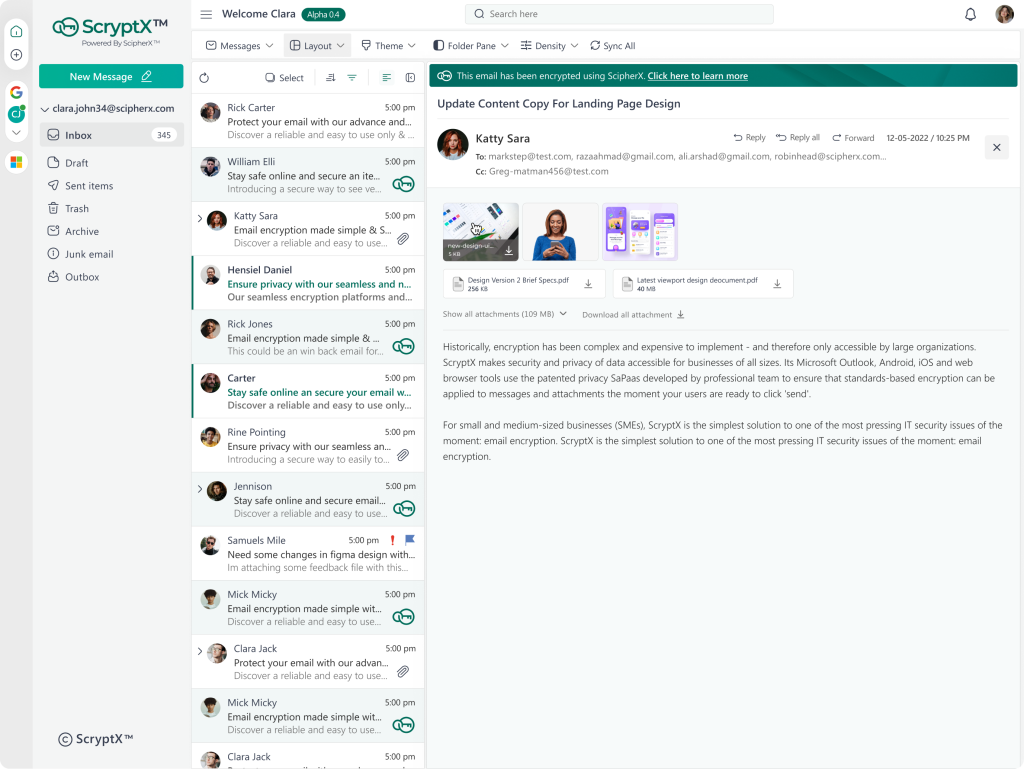
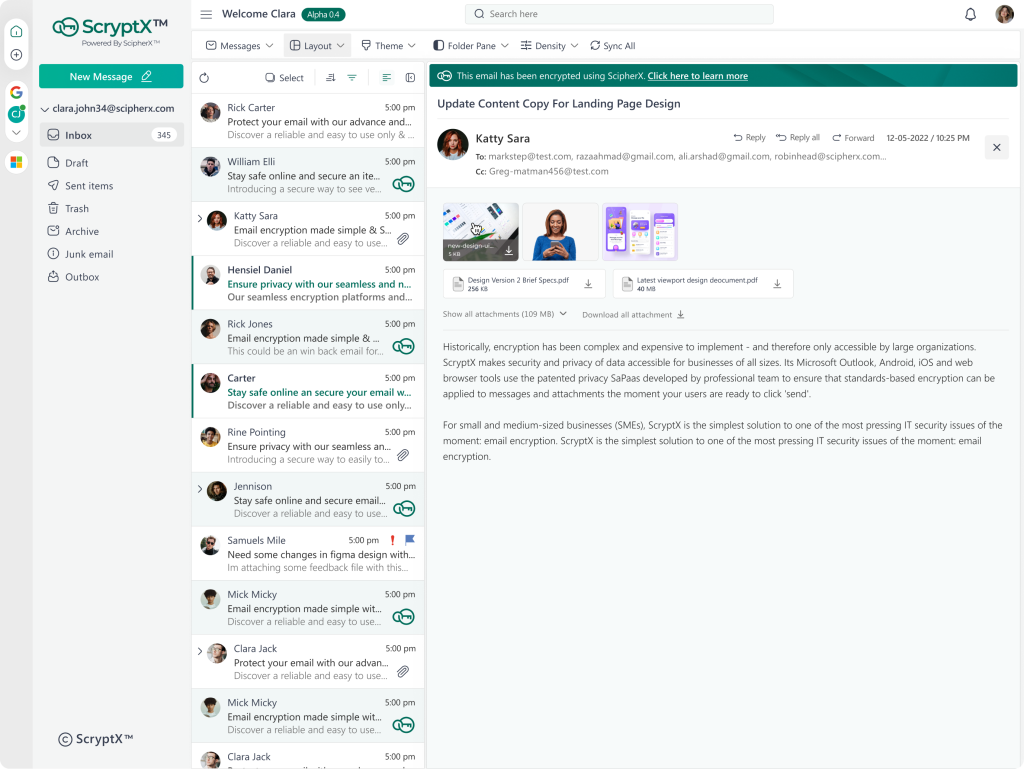
Add encryption to Gmail, Outlook and Microsoft 365. Keep your address & keep your workflow.
Cross-Platform
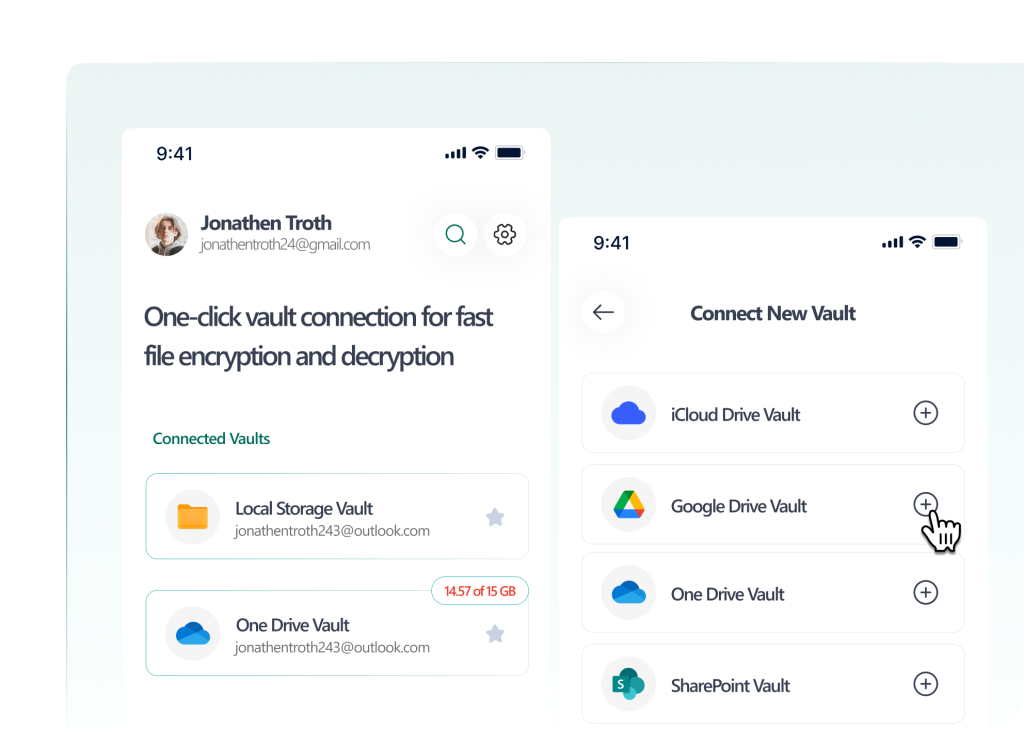
Create secure vaults on Google Drive, Dropbox, One Drive. Client-side encryption before the synchronization.
Step 01
Add your existing email account (Gmail, Outlook, etc) and sign in as usual. A secure connection will be created in seconds
Step 02
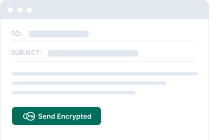
Write emails as you normally would. Once you click “Send Encrypted”, your message will be secured and sent
Step 03
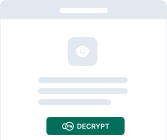
A secure email arrives in the recipient’s inbox. Decryption happens on their device
For Individuals
Privacy-focused email and file encryption without complexity. Take back control of your personal data.
Enterprise-grade compliance and control. Admin dashboard, audit logs, and organization-wide policies.
Enterprise-grade encryption for email and files,without leaving your favorite tools.
Company
Products
Legal
© 2026 ScryptXTM. All rights reserved.